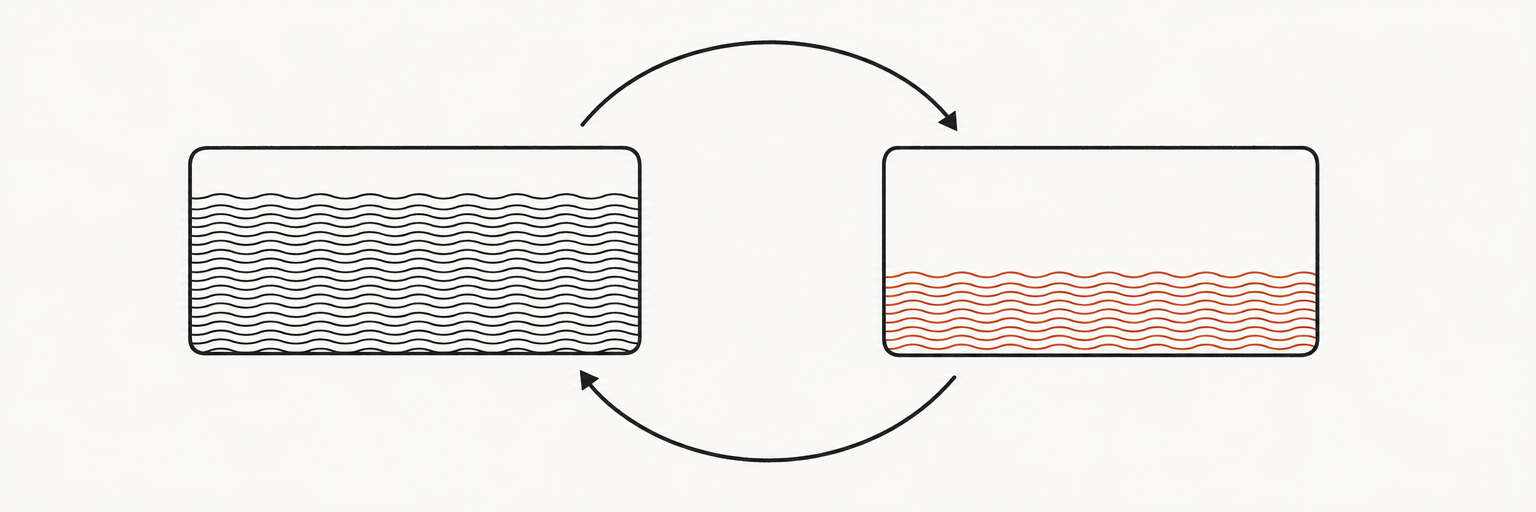
Automating savings removes willpower from the equation. Instead of deciding each month whether to save, the money moves before you have a chance to spend it. The CFPB frames it simply: “you choose how often you want a set amount of money to be transferred into a savings account, and once it’s set up, you’ll be putting money into savings without thinking twice.”
The research behind this is substantial. A CFPB study on automated savings rules found that guaranteed automatic saving rules are associated with 1.5 to 3.5 times larger increases in the maximum amount saved within a year compared to non-automated approaches. Automation doesn’t just make saving easier — it measurably improves outcomes.
The two main methods
Method 1: Direct deposit split (most effective)
Ask your employer’s payroll department to split your direct deposit between two accounts: a fixed dollar amount goes to savings, and the remainder goes to checking. This is the most powerful method because the money never lands in checking to begin with — you adapt your spending to what you see, and you never see the savings portion.
How to set it up:
- Open a separate savings account (ideally a high-yield savings account earning 4–5% APY)
- Ask HR or payroll for a direct deposit split form — most payroll systems support this
- Specify the exact dollar amount to route to savings
- Keep the remaining amount going to your checking account
Most major payroll systems (ADP, Paychex, Workday) support multiple deposit accounts. If your employer uses paper checks, this method isn’t available — use Method 2 instead.
Method 2: Scheduled bank transfer
If your employer only allows one deposit account, set up a recurring transfer through your bank’s online portal.
How to set it up:
- Log into your bank’s online banking or app
- Navigate to “Transfers” or “Scheduled Transfers”
- Set the transfer amount, frequency (weekly or biweekly to match your paycheck), and destination savings account
- Schedule it for the same day your paycheck arrives — or the next business day
The key difference from Method 1: the money briefly appears in checking before moving. This is slightly less effective psychologically because you see the full paycheck, but it produces the same result when the transfer is truly automatic.
How much to automate: a starting framework
| Income level | Starting amount | 6-month target | 12-month target |
|---|---|---|---|
| Under $30,000/year | $25–$50/paycheck | $50–$75 | $75–$100 |
| $30,000–$50,000/year | $50–$100/paycheck | $100–$150 | $150–$200 |
| $50,000–$80,000/year | $100–$200/paycheck | $200–$300 | $300–$400 |
| Over $80,000/year | $200–$400/paycheck | $400–$600 | $600–$800 |
These are starting points, not targets. The goal is to begin at an amount that doesn’t require lifestyle adjustment, then increase by $25–$50 every few months as the initial amount becomes invisible in your budget. The CFPB calls this savings escalation — small, regular increases over time that compound into a high savings rate without ever making a dramatic change.
A common benchmark: 10–20% of take-home pay. At $50,000 annual income, that’s $5,000–$10,000/year, or roughly $417–$833/month. If that’s not immediately possible, 5% is a meaningful start. Even $100/month automated for 10 years at 4.5% APY grows to over $15,000.
Where to route automated transfers
Route automated transfers to a high-yield savings account (HYSA) earning 4–5% APY. The national average savings rate at traditional banks is 0.38% (FDIC, April 2026). On $500/month in automated savings over one year:
- Traditional bank at 0.38%: $6,011 (with interest)
- Online HYSA at 4.50%: $6,150 (with interest)
The gap is modest on small amounts but grows meaningfully over multiple years. More importantly, a separate account at a different bank adds friction that prevents impulsive transfers back to checking.
Other automation options
Round-up programs — Some banks (Bank of America’s “Keep the Change,” Wells Fargo’s “Way2Save”) round up each debit card purchase to the nearest dollar and transfer the difference to savings. Typical results: $30–$80/month. Useful as a supplement but too slow to be a primary savings vehicle.
Savings apps — Apps like Digit, Qapital, and Oportun analyze your checking balance and move small amounts to savings when they detect you can afford it. Useful for variable-income households where a fixed amount doesn’t work every cycle.
Automatic IRA contributions — If you have a Roth or traditional IRA, set up monthly automatic contributions in addition to your regular savings. Even $50/month compounded at 7% over 30 years grows to over $56,000.
Employer 401(k) contributions — If your employer matches contributions, this is the highest-return “automatic savings” available. A 50% match on up to 6% of salary is effectively a 3% instant return before any investment gains.
Prevent overdrafts from automated transfers
The main risk of automation: if the transfer goes out before your paycheck clears, you can overdraft. To prevent this:
- Schedule transfers 1–2 days after your expected payday, not the same day
- Keep a permanent buffer of $100–$200 in checking at all times — never let checking fall to zero
- Check if your bank offers free overdraft protection linked to savings
- Set up low-balance alerts at $200–$300 so you see problems before overdrafts occur
What “pay yourself first” means in practice
The pay-yourself-first principle — moving money to savings before paying any other bills — is the philosophical basis for all automated savings. It inverts the default behavior (spend first, save the leftover) which reliably produces no savings.
In practice: your first “bill” each payday is the automatic transfer to savings. Food, rent, and utilities come next. Discretionary spending uses whatever remains. The automated transfer enforces this order without requiring conscious discipline each month.
Common mistakes
Starting with too large an amount. If the automatic transfer creates genuine hardship, you’ll cancel it. Start at an amount that requires no adjustment, then increase gradually.
Routing savings to an account at the same bank as checking. The one-click transfer back makes saving too easy to undo. Keep savings at a different institution.
Not increasing the amount over time. Savings automation set and forgotten at $50/paycheck five years ago is probably still $50/paycheck. Schedule a quarterly review to increase by 10% or $25, whichever is smaller.
Neglecting employer matching. Automated savings in a savings account while leaving 401(k) match on the table is suboptimal. Match capture should always come first.
Concrete next action
Log into your bank’s online portal today. Set up a recurring transfer of $50 (or whatever feels trivially affordable) to a high-yield savings account, scheduled for your next payday. The account should be at a different bank. This takes 10 minutes. Do this before changing anything else about your spending.